Techniker im Bauwesen in Österreich ist ein gefragtes Berufsprofil auf dem österreichischen Arbeitsmarkt. Der Bausektor gehört zu den wichtigsten wirtschaftlichen Bereichen des Landes und bietet stabile Beschäftigungsmöglichkeiten. Aufgrund der kontinuierlichen Entwicklung von Infrastrukturprojekten, Wohnbau, Straßenbau und Verkehrsnetzen steigt der Bedarf an qualifizierten Fachkräften kontinuierlich an. Ein Techniker im Bauwesen übernimmt dabei eine zentrale Rolle, weil er zwischen Planung, Organisation und praktischer Umsetzung vermittelt.
Die österreichische Bauwirtschaft verzeichnet seit Jahren ein konstantes Wachstum. Laut aktuellen Statistiken trägt die Branche etwa 7% zum Bruttoinlandsprodukt bei und beschäftigt über 400.000 Menschen. Diese Entwicklung schafft einen dauerhaften Bedarf an Fachkräften, insbesondere im Bereich der technischen Baubegleitung. Wer sich für eine Karriere als Techniker im Bauwesen in Österreich interessiert, findet derzeit sehr gute Zukunftsperspektiven und vielfältige Einsatzmöglichkeiten in einem innovativen und zukunftsorientierten Arbeitsumfeld.Author: Hamed Salimian
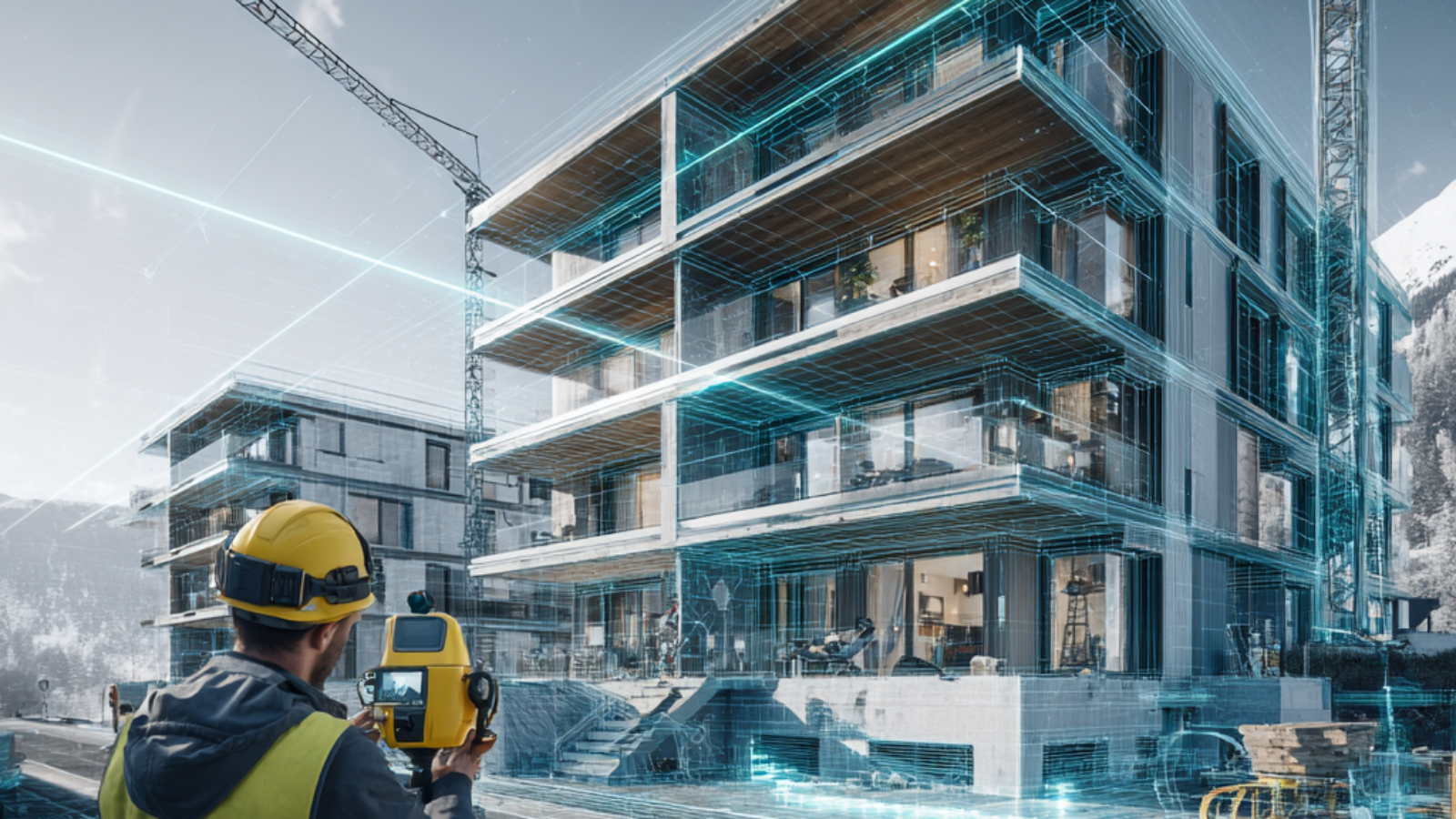
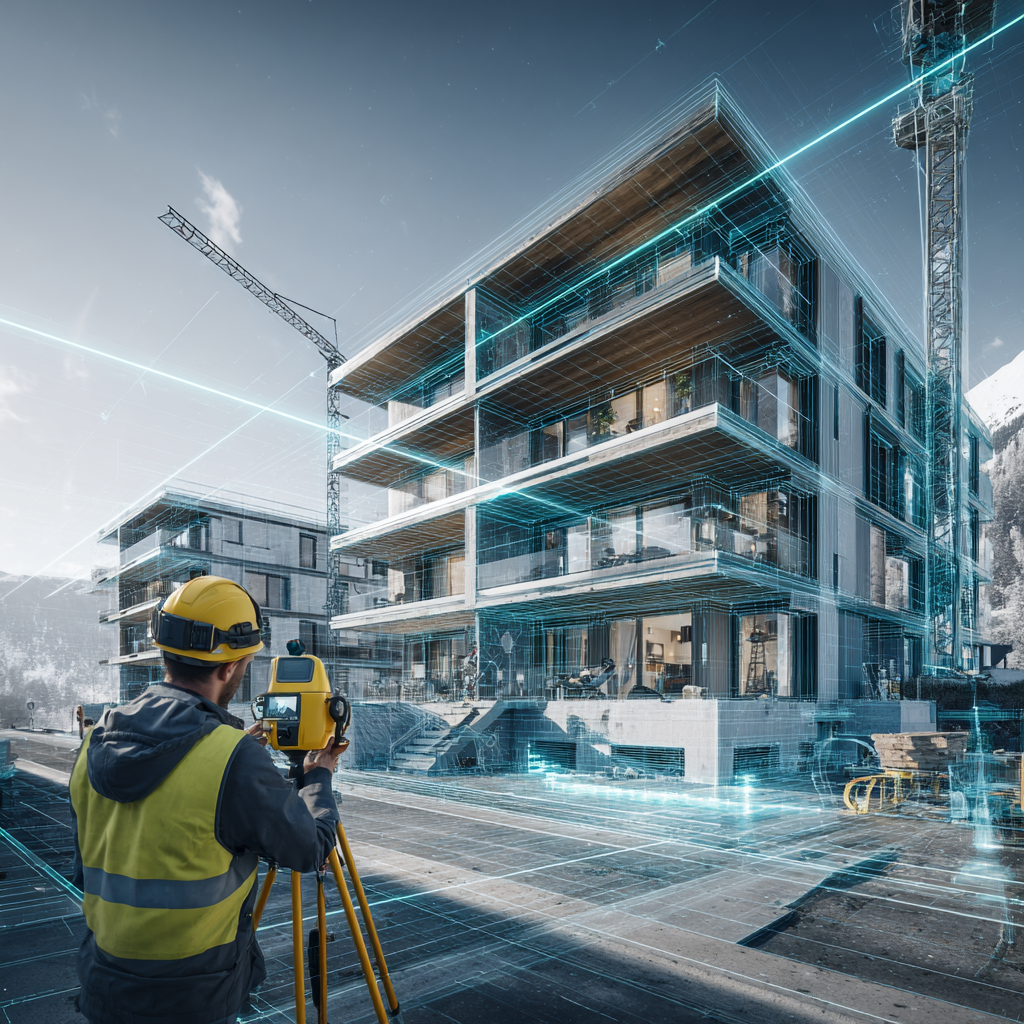
Techniker im Bauwesen in Österreich auf einer Baustelle bei der Qualitätskontrolle
Berufsbild und Aufgaben eines Technikers im Bauwesen
Ein Techniker im Bauwesen in Österreich arbeitet an der entscheidenden Schnittstelle zwischen technischer Planung und praktischer Bauausführung. Während Bauingenieure oft für komplexe Berechnungen, statische Analysen und strategische Projektentwicklung verantwortlich sind, kümmert sich der Techniker um die technische Begleitung, Bauüberwachung und Koordination auf der Baustelle. Diese Position erfordert sowohl fundiertes technisches Wissen als auch ausgeprägte organisatorische Fähigkeiten und exzellente Kommunikationskompetenz.
Die Rolle des Technikers ist besonders wichtig, weil er als Bindeglied zwischen verschiedenen Projektbeteiligten fungiert. Er muss die Sprache der Architekten, Ingenieure, Bauleiter und Handwerker gleichermaßen verstehen und zwischen diesen Gruppen effektiv vermitteln können. Dabei trägt er maßgeblich dazu bei, dass Missverständnisse vermieden werden und alle Beteiligten auf dem gleichen Informationsstand sind.
Detaillierte Aufgabenbereiche
Zu den typischen Aufgaben eines Technikers im Bauwesen in Österreich gehören die Unterstützung bei der Erstellung und Prüfung von Bauplänen, die kontinuierliche Kontrolle von Bauabläufen, die sorgfältige Dokumentation des Baufortschritts sowie die umfassende Überprüfung von Sicherheits- und Qualitätsstandards. Darüber hinaus helfen viele Techniker aktiv bei der präzisen Mengenermittlung und strategischen Materialplanung mit.
Im Detail umfasst dies die Erstellung von Aufmaßen, die Koordination von Lieferanten und Subunternehmern, die Überwachung von Fristen und Budgets sowie die Sicherstellung der Einhaltung aller relevanten Bauvorschriften und Normen. Ein Techniker im Bauwesen in Österreich muss auch in der Lage sein, technische Probleme schnell zu erkennen und pragmatische Lösungen zu entwickeln, bevor kleine Schwierigkeiten zu größeren Projektverzögerungen führen.
Erstellung, Prüfung und Anpassung technischer Unterlagen und Ausführungspläne
Kontinuierliche Baustellenüberwachung und systematische Qualitätskontrolle
Detaillierte Materialermittlung, Mengenberechnung und Kostenkontrolle
Effektive Koordination mit Bauleitern, Ingenieuren, Architekten und ausführenden Firmen
Umfassende Dokumentation, regelmäßige Berichterstattung und Fotodokumentation
Überwachung der Einhaltung von Arbeitssicherheitsvorschriften und Umweltschutzrichtlinien
Technische Abnahmen und Mängelmanagement
Unterstützung bei Vergabeverfahren und Ausschreibungen
Wichtige Einsatzbereiche und Spezialisierungsmöglichkeiten
Ein Techniker im Bauwesen in Österreich kann in verschiedenen Fachbereichen tätig sein, die jeweils spezifische Anforderungen und Kenntnisse erfordern.
Hochbau
Im Hochbau konzentriert sich die Arbeit vor allem auf Wohngebäude, Mehrfamilienhäuser, Bürohäuser, Einkaufszentren und Industrieanlagen. Hier sind Kenntnisse in Bereichen wie Statik, Wärmedämmung, Brandschutz und moderne Bautechniken besonders wichtig. Der Techniker im Bauwesen in Österreich im Hochbau überwacht die Errichtung von Rohbauten, koordiniert verschiedene Gewerke und stellt sicher, dass alle bauphysikalischen Anforderungen erfüllt werden.
Tiefbau
Im Tiefbau stehen Straßen, Autobahnen, Brücken, Tunnel, Kanalisationssysteme und Leitungsnetze im Mittelpunkt. Diese Projekte erfordern spezielle Kenntnisse in Bodenmechanik, Vermessung, Entwässerung und Verkehrsplanung. Besonders in Österreich haben Infrastruktur und Verkehrsbau eine große Bedeutung, da kontinuierlich in die Modernisierung und Erweiterung von Autobahnen, Eisenbahnverbindungen und öffentlichen Verkehrsprojekten investiert wird.
Ingenieurbau
Der Ingenieurbau umfasst besonders anspruchsvolle Bauwerke wie große Brücken, Staudämme, Kraftwerke und komplexe Industrieanlagen. Ein Techniker im Bauwesen in Österreich in diesem Bereich arbeitet oft an langfristigen Großprojekten mit hohen technischen Anforderungen und muss eng mit spezialisierten Ingenieuren zusammenarbeiten.
Sanierung und Denkmalpflege
Ein wachsender Bereich ist die Sanierung von Altbauten und die Arbeit mit denkmalgeschützten Gebäuden. Hier sind besondere Kenntnisse über historische Bautechniken, Materialien und spezielle Sanierungsverfahren erforderlich. Österreich verfügt über einen reichen Bestand an historischer Bausubstanz, was diesen Bereich besonders relevant macht.
Ausbildung und Qualifikationen
Für den erfolgreichen Einstieg als Techniker im Bauwesen in Österreich gibt es mehrere bewährte Bildungswege, die unterschiedliche Schwerpunkte setzen und verschiedene Zielgruppen ansprechen.
HTL für Bautechnik
Die Höhere Technische Lehranstalt (HTL) für Bautechnik ist der klassische und am weitesten verbreitete Ausbildungsweg in Österreich. Diese fünfjährige Ausbildung bietet eine praxisnahe und zugleich theoretisch fundierte Ausbildung, die Schüler direkt nach der Matura ins Berufsleben führt. Die HTL vermittelt umfassende Kenntnisse in Baukonstruktion, Statik, Baustoffkunde, CAD-Technik, Projektmanagement und Baurecht.
Absolventen einer HTL sind besonders geschätzt, weil sie bereits während der Schulzeit durch Praktika erste Berufserfahrung sammeln und mit modernen Softwaretools vertraut werden. Nach dem Abschluss können sie direkt als Techniker im Bauwesen in Österreich arbeiten oder ein weiterführendes Studium beginnen.
Fachschule und Kolleg
Für Personen, die bereits eine andere Ausbildung abgeschlossen haben oder einen schnelleren Einstieg suchen, bieten sich Fachschulen oder Kollegs an. Diese Ausbildungsformen dauern zwischen zwei und vier Jahren und konzentrieren sich auf praktische Fähigkeiten und direkt anwendbares Wissen. Ein Kolleg richtet sich speziell an Personen mit Matura, die eine kompakte, intensive Fachausbildung absolvieren möchten.
Hochschulstudium
Ein Studium im Bauingenieurwesen an einer Fachhochschule oder Universität bietet die umfassendste akademische Ausbildung. Studierende erwerben tiefgehende theoretische Kenntnisse in Statik, Massivbau, Stahlbau, Geotechnik und Projektmanagement. Viele Programme beinhalten auch Praktika und Projektarbeiten mit realen Bauvorhaben. Absolventen können als Techniker im Bauwesen in Österreich mit erweiterten Verantwortungsbereichen arbeiten oder direkt in Ingenieurfunktionen einsteigen.
Lehre und duales System
Eine weitere Möglichkeit ist die Lehre zum Bautechnischen Zeichner oder in verwandten Berufen, kombiniert mit weiterführenden Ausbildungen. Dieser Weg eignet sich besonders für praktisch orientierte Personen, die früh ins Berufsleben einsteigen und parallel lernen möchten.
Ein moderner Techniker im Bauwesen in Österreich benötigt eine breite Palette an fachlichen und digitalen Kompetenzen, um den Anforderungen des Berufs gerecht zu werden.
CAD und BIM
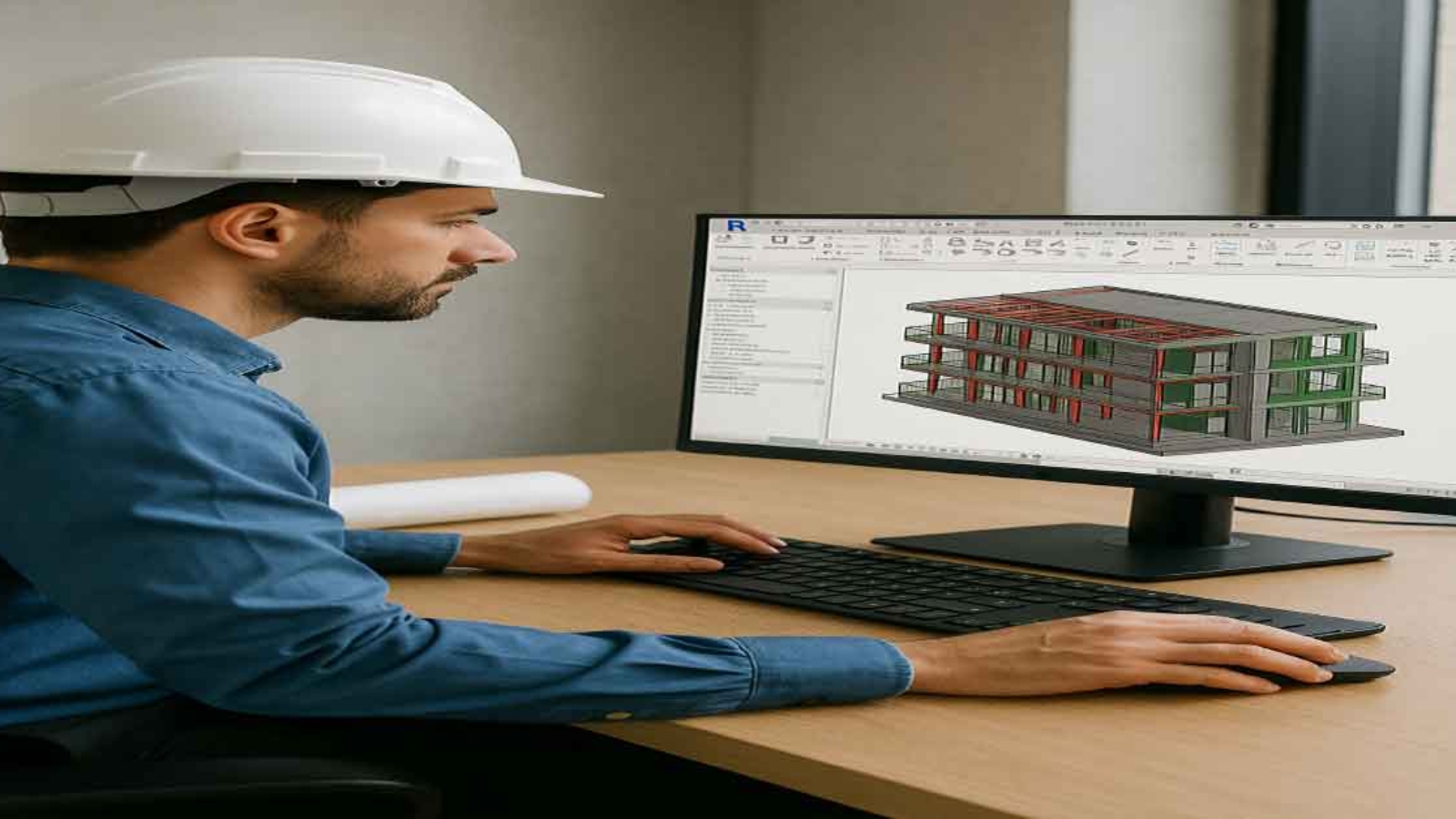
Die Beherrschung von CAD-Software (Computer-Aided Design) wie AutoCAD, Revit oder ArchiCAD ist unverzichtbar. Zunehmend wichtig wird auch BIM (Building Information Modeling), ein innovativer Ansatz zur digitalen Planung und Verwaltung von Bauwerken. BIM ermöglicht die dreidimensionale Darstellung von Gebäuden mit allen relevanten Informationen und erleichtert die Zusammenarbeit zwischen allen Projektbeteiligten erheblich.
Projektsoftware
Kenntnisse in Projektmanagement-Software wie MS Project, Primavera oder speziellen Baumanagement-Programmen sind sehr hilfreich. Diese Tools unterstützen bei der Terminplanung, Ressourcenverwaltung und Kostenkontrolle.
Vermessung und GIS
Grundkenntnisse in Vermessungstechnik und geografischen Informationssystemen (GIS) werden zunehmend wichtiger, besonders im Tiefbau und bei Infrastrukturprojekten.
Der österreichische Arbeitsmarkt zeigt eine konstant hohe und wachsende Nachfrage nach qualifizierten Fachkräften im Bauwesen. Viele Unternehmen – von kleinen regionalen Baufirmen bis zu großen internationalen Baukonzernen – suchen kontinuierlich erfahrene Mitarbeiter für Bauleitung, Projektkoordination und technische Überwachung.
Karrierewege
Ein Techniker im Bauwesen in Österreich kann sich im Laufe der Karriere in verschiedene Richtungen entwickeln:
Bauleiter: Übernahme der Gesamtverantwortung für einzelne Bauprojekte
Projekttechniker: Spezialisierung auf technische Projektbegleitung
Kalkulator: Fokus auf Kostenschätzung und Angebotserstellung
Spezialist für Infrastrukturprojekte: Expertise in komplexen Tiefbauprojekten
BIM-Manager: Verantwortung für digitale Planungsprozesse
Abteilungsleiter: Führung von Teams und Abteilungen
Selbständigkeit: Gründung eines eigenen Ingenieurbüros oder Bauunternehmens
Gehaltsstruktur
Das monatliche Bruttogehalt für einen Techniker im Bauwesen in Österreich variiert je nach Erfahrung, Verantwortungsbereich, Unternehmensgröße und Region:
Berufseinsteiger: 2.500 bis 3.200 Euro brutto monatlich
Mit 3-5 Jahren Erfahrung: 3.200 bis 3.800 Euro
Mit 5-10 Jahren Erfahrung: 3.800 bis 4.500 Euro
Senior-Techniker/Bauleiter: 4.500 bis 6.000 Euro und mehr
Besonders in größeren Bauunternehmen, bei Generalunternehmern oder bei komplexen Infrastrukturprojekten sind attraktive Gehälter und zusätzliche Benefits wie Firmenfahrzeug, Bonuszahlungen oder flexible Arbeitsmodelle realistisch. Auch die regionale Komponente spielt eine Rolle: In Wien und den westlichen Bundesländern liegen die Gehälter tendenziell höher als in ländlichen Regionen.
Wichtige Kompetenzen und persönliche Eigenschaften
Neben der fachlichen Qualifikation sind bestimmte persönliche Eigenschaften und Soft Skills entscheidend für den Erfolg als Techniker im Bauwesen in Österreich:
Technisches Verständnis: Fähigkeit, komplexe technische Zusammenhänge zu erfassen und zu erklären
CAD- und Software-Kenntnisse: Sicherer Umgang mit modernen Planungs- und Dokumentationstools
Organisationstalent: Koordination mehrerer Aufgaben, Termine und Projektbeteiligter gleichzeitig
Team- und Kommunikationsfähigkeit: Effektive Zusammenarbeit mit verschiedenen Gewerken und Hierarchieebenen
Präzision und Verantwortungsbewusstsein: Genauigkeit bei Messungen, Berechnungen und Dokumentation
Problemlösungskompetenz: Schnelle und pragmatische Lösungsfindung bei unerwarteten Herausforderungen
Stressresistenz: Ruhe bewahren bei Zeitdruck und unvorhergesehenen Komplikationen
Wirtschaftliches Denken: Kostenb ewusstsein und Verständnis für betriebswirtschaftliche Zusammenhänge
Flexibilität: Anpassungsfähigkeit an wechselnde Arbeitsorte, Projekte und Anforderungen
Herausforderungen im Berufsalltag
Der Beruf des Technikers im Bauwesen in Österreich bringt auch spezifische Herausforderungen mit sich, die bewältigt werden müssen:
Zeitdruck und Termine
Bauprojekte unterliegen oft strengen Zeitplänen und Vertragsstrafen bei Verzögerungen. Techniker müssen in der Lage sein, auch unter Druck präzise zu arbeiten und realistische Lösungen zu finden, wenn Termine gefährdet sind.
Wetterbedingungen
Besonders im Tiefbau und bei Außenarbeiten können Witterungsverhältnisse die Arbeit erheblich beeinflussen. Ein Techniker im Bauwesen in Österreich muss flexibel reagieren und alternative Zeitpläne entwickeln können.
Koordination verschiedener Gewerke
Die gleichzeitige Koordination von Maurern, Elektrikern, Installateuren, Statikern und anderen Fachleuten erfordert diplomatisches Geschick und klare Kommunikation. Konflikte müssen schnell und konstruktiv gelöst werden.
Rechtliche und normative Anforderungen
Die Einhaltung von Bauvorschriften, ÖNORMEN, EU-Richtlinien und Sicherheitsstandards erfordert kontinuierliche Weiterbildung und aktuelles Wissen. Änderungen in Gesetzen und Normen müssen zeitnah umgesetzt werden.
Zukunftstrends und Digitalisierung
Die Baubranche befindet sich in einem tiefgreifenden Wandel, der auch die Rolle des Technikers im Bauwesen in Österreich verändert und erweitert:
Building Information Modeling (BIM)
BIM wird zunehmend zum Standard, besonders bei öffentlichen Aufträgen. Die dreidimensionale, datenbasierte Planung ermöglicht bessere Koordination, weniger Fehler und effizientere Abläufe. Techniker, die BIM beherrschen, haben deutliche Wettbewerbsvorteile.
IoT und Smart Construction
Sensoren auf Baustellen erfassen Daten zu Materialfeuchtigkeit, Temperaturen, Belastungen und Arbeitsfortschritt in Echtzeit. Diese Informationen helfen, Probleme frühzeitig zu erkennen und Prozesse zu optimi…
Einführung: Smart Infrastructure und die Zukunft der Bauwerksüberwachung
von Hamed Salimian
Die moderne Bauindustrie steht heute vor großen Herausforderungen. Brücken, Straßen und andere wichtige Bauwerke müssen über viele Jahrzehnte sicher, effizient und nachhaltig betrieben werden. Gleichzeitig steigen die Anforderungen an Sicherheit, Wartung und Kostenkontrolle. Genau hier gewinnt das Konzept der Smart Infrastructure zunehmend an Bedeutung.
Durch den Einsatz moderner Technologien wie IoT‑Sensoren, drahtlosen Messsystemen und datenbasierter Analyse können Ingenieure den Zustand von Bauwerken heute nahezu in Echtzeit überwachen. Diese Technologien ermöglichen es, strukturelle Veränderungen frühzeitig zu erkennen, Wartungsmaßnahmen gezielt zu planen und die Lebensdauer von Infrastruktur deutlich zu verlängern.
In diesem Artikel beschreibt Hamed Salimian, wie intelligente Sensorsysteme und digitale Überwachungstechnologien die Überwachung von Brücken und Straßen verändern. Der Beitrag gibt einen Überblick über die wichtigsten Technologien im Bereich Structural Health Monitoring, Predictive Maintenance und Digital Twin Systeme und zeigt, wie Smart Infrastructure zur Sicherheit, Effizienz und Nachhaltigkeit moderner Infrastruktur beiträgt.
Die Entwicklung moderner Städte hängt stark von zuverlässigen Verkehrsinfrastrukturen ab. Brücken, Straßen und Tunnel bilden das Rückgrat der Mobilität und der wirtschaftlichen Entwicklung. Gleichzeitig stehen viele Länder vor einem wachsenden Problem: alternde Infrastruktur, steigende Verkehrsbelastung und begrenzte Wartungsbudgets. In diesem Kontext gewinnt das Konzept der „Smart Infrastructure“ zunehmend an Bedeutung. Durch den Einsatz von IoT‑Sensoren (Internet of Things) können Bauwerke kontinuierlich überwacht und potenzielle Schäden frühzeitig erkannt werden.
Sensorbasierte Überwachung einer Brücke in einer Smart Infrastructure
Was bedeutet Smart Infrastructure?
Der Begriff Smart Infrastructure beschreibt die Integration digitaler Technologien in physische Infrastrukturen wie Brücken, Straßen, Tunnel oder Eisenbahnsysteme. Sensoren, Datenplattformen und intelligente Analysesysteme ermöglichen es, den Zustand von Bauwerken in Echtzeit zu überwachen.
Das Internet der Dinge (IoT) als Basis .
Ein zentraler Bestandteil dieser Entwicklung ist das Internet der Dinge. IoT-Sensoren sammeln kontinuierlich Daten über Belastung, Vibration و Temperatur.zentraler Bestandteil dieser Entwicklung ist das Internet der Dinge. IoT‑Sensoren sammeln kontinuierlich Daten über Belastung, Vibration, Temperatur, Feuchtigkeit oder strukturelle Veränderungen. Diese Daten werden anschließend an zentrale Systeme übertragen, wo sie analysiert und ausgewertet werden.
IoT‑Sensoren in der Brückenüberwachung
Brücken gehören zu den sensibelsten Bauwerken der Verkehrsinfrastruktur. Traditionell erfolgt ihre Inspektion in regelmäßigen Abständen durch Ingenieure. Diese Methode ist jedoch zeitaufwendig, teuer und erkennt Schäden häufig erst spät.
IoT‑basierte Monitoring‑Systeme ermöglichen eine kontinuierliche Zustandsüberwachung. Sensoren messen beispielsweise:
• strukturelle Belastung und Deformation
• Schwingungen und dynamische Kräfte
• Temperaturveränderungen im Material
• Rissbildung im Beton oder Stahl
Durch diese Daten können Ingenieure frühzeitig erkennen, ob sich ein strukturelles Problem entwickelt. Moderne Algorithmen analysieren die Messwerte automatisch und warnen bei kritischen Veränderungen. Weitere Informationen zur Forschung an intelligenten Sensorsystemen finden Sie beim Fraunhofer-Institut für Physikalische Messtechnik IPM.
Straßenüberwachung durch intelligente Sensorik
Auch Straßennetze profitieren zunehmend von intelligenten Sensorsystemen. IoT‑Technologien ermöglichen eine präzise Analyse der Verkehrsdichte, der Straßenzustände und der Belastung durch Fahrzeuge.
Sensoren können beispielsweise:
• Verkehrsströme in Echtzeit messen
• Straßenschäden oder Schlaglöcher erkennen
• Temperatur und Feuchtigkeit im Asphalt überwachen
• Winterdienst und Wartungsmaßnahmen optimieren
Diese Daten helfen Städten und Verkehrsbehörden, Wartungsmaßnahmen effizient zu planen und die Lebensdauer von Straßen deutlich zu verlängern.
Vorteile intelligenter Infrastruktur
Die Integration von IoT‑Technologien in die Bauinfrastruktur bietet zahlreiche Vorteile. Einer der wichtigsten Aspekte ist die Verbesserung der Sicherheit. Frühzeitige Warnsysteme können strukturelle Schäden erkennen, bevor sie zu gefährlichen Situationen führen.
Darüber hinaus ermöglicht Smart Infrastructure eine effizientere Nutzung von Wartungsbudgets. Statt regelmäßiger, aber oft unnötiger Inspektionen können Maßnahmen gezielt dort durchgeführt werden, wo tatsächlich Probleme auftreten.
Weitere Vorteile sind:
• höhere Lebensdauer von Infrastrukturprojekten
• reduzierte Wartungskosten
• verbesserte Verkehrssicherheit
• datengestützte Entscheidungsprozesse im Infrastrukturmanagement Die Bedeutung von Monitoring-Systemen für die Sicherheit wird auch vom TÜV Rheinland hervorgehoben.
Die Rolle von Datenanalyse und künstlicher Intelligenz
Ein weiterer wichtiger Bestandteil moderner Infrastrukturüberwachung ist die Datenanalyse. Die von IoT‑Sensoren generierten Datenmengen sind enorm und erfordern intelligente Auswertungssysteme.
Künstliche Intelligenz und Machine‑Learning‑Algorithmen können Muster in den Sensordaten erkennen und potenzielle Schäden prognostizieren. Dadurch wird ein Übergang von reaktiver Wartung zu sogenannter „predictive maintenance“ möglich.
Predictive Maintenance bedeutet, dass Wartungsmaßnahmen auf Grundlage von Datenprognosen durchgeführt werden, bevor ein Schaden tatsächlich eintritt.
Herausforderungen bei der Implementierung
Trotz der zahlreichen Vorteile stehen viele Infrastrukturbetreiber noch vor Herausforderungen bei der Einführung von Smart Infrastructure. Zu den wichtigsten Herausforderungen gehören:
• hohe Anfangsinvestitionen für Sensorsysteme
• Integration in bestehende Infrastruktur
• Datensicherheit und Datenschutz
• Standardisierung von Technologien
Dennoch zeigen zahlreiche Pilotprojekte weltweit, dass intelligente Infrastruktursysteme langfristig wirtschaftliche und sicherheitstechnische Vorteile bieten.
Zukunftsperspektiven für intelligente Verkehrsinfrastruktur
Die Digitalisierung der Infrastruktur wird in den kommenden Jahren weiter an Bedeutung gewinnen. Technologien wie Digital Twins, künstliche Intelligenz und fortschrittliche Sensorsysteme werden die Planung, Überwachung und Wartung von Bauwerken grundlegend verändern.
In Zukunft könnten digitale Zwillinge von Brücken oder Straßennetzen entstehen, die den realen Zustand eines Bauwerks in Echtzeit abbilden. Ingenieure könnten dadurch potenzielle Risiken simulieren und Wartungsstrategien optimieren.
Fazit: Die Zukunft der Bauinfrastruktur
Smart Infrastructure und IoT‑Sensoren eröffnen neue Möglichkeiten für das moderne Infrastrukturmanagement. Durch kontinuierliche Überwachung, datenbasierte Analysen und vorausschauende Wartung können Brücken und Straßen sicherer, langlebiger und effizienter betrieben werden.
Angesichts zunehmender Verkehrsbelastung und alternder Infrastruktur stellt die Integration intelligenter Technologien einen entscheidenden Schritt dar, um die Zukunft der Verkehrssysteme nachhaltig zu gestalten.
Häufig gestellte Fragen (FAQ)
1. Was sind die Hauptvorteile von Smart Infrastructure?
Die Hauptvorteile liegen in der verbesserten Sicherheit, der Verlängerung der Lebensdauer von Bauwerken und der Kostenoptimierung bei der Wartung.
2. Wie funktionieren IoT-Sensoren an Brücken?
Die Sensoren erfassen physikalische Parameter wie Schwingungen oder Dehnungen und senden diese Daten drahtlos an eine Zentrale zur Analyse.
Warum Allplan Nemetschek BIM Software 2025 unverzichtbar ist
Allplan Nemetschek BIM Software ist eine der bekanntesten und leistungsstärksten digitalen Lösungen für die Bau- und Architekturbranche. Architekten, Ingenieure und Bauunternehmen nutzen die Software weltweit, um Projekte effizient, präzise und zukunftssicher umzusetzen. In einer Zeit, in der die Digitalisierung und Nachhaltigkeit zentrale Rollen spielen, hat sich Allplan als unverzichtbares Werkzeug etabliert.
Dieser Artikel beleuchtet ausführlich die Geschichte von Allplan Nemetschek, die wichtigsten Funktionen, Einsatzbereiche, Vorteile und Nachteile sowie den Vergleich mit anderen BIM-Softwares wie Revit und ArchiCAD. Zudem werfen wir einen Blick in die Zukunft der Bauindustrie und die Rolle, die Allplan Nemetschek BIM Software dabei spielen wird.
Die Nemetschek Group – Fundament und Erfolgsgeschichte hinter Allplan
Die Nemetschek Group wurde 1963 von Prof. Georg Nemetschek in München gegründet. Aus einem kleinen Ingenieurbüro entstand in mehreren Entwicklungsstufen ein weltweit agierender Softwareverbund für die AEC-Branche (Architecture, Engineering, Construction). Prägend war dabei stets der Fokus auf digitale Planungsprozesse: erst CAD am Bildschirm, dann 3D-Modellierung und schließlich Building Information Modeling (BIM) als durchgängiger Datenstandard über alle Projektphasen hinweg. Nemetschek positionierte sich früh als Befürworter offener Workflows und treibt bis heute Open-BIM und Interoperabilität gegenüber proprietären Ökosystemen voran.
Heute umfasst der Konzern über 30 Marken, die verschiedene Disziplinen abdecken und sich gezielt ergänzen: Allplan für Architektur und Ingenieurbau, Graphisoft (ArchiCAD) für designorientierte BIM-Planung, Vectorworks mit starker Verankerung in Architektur, Landschaft und Entertainment, Bluebeam für baustellennahes PDF-basieres Planen/Prüfen, Solibri für Modellprüfung und Regelwerke, dRofus für Datenmanagement in Großprojekten sowie weitere Lösungen für Rendering, XR/VR, AV/Media und Kostenmanagement. Diese Markenautonomie – kombiniert mit gruppenweiter Technologie-Koordination – ist ein Kern der Nemetschek-Strategie: Spezialisierte Produkte bleiben nahe am Nutzer, Schnittstellen und Datenmodelle sichern den gemeinsamen Mehrwert.
Strategisch setzt Nemetschek auf drei Stoßrichtungen: (1) Cloud- und Plattformdienste für Kollaboration in Echtzeit (z. B. Common Data Environments, Model-Coordination, Issue-Management), (2) Datenqualität und Governance mittels automatischer Prüfungen, Standardisierung und Rückverfolgbarkeit, (3) Nachhaltigkeit und Lebenszyklusdenken, also Nutzung von BIM-Daten von der frühen Entwurfsphase über Bauausführung bis Betrieb/Facility Management. Damit bedient der Konzern nicht nur klassische Planungsbüros, sondern zunehmend Bauunternehmen, Betreiber und öffentliche Auftraggeber.
Im Marktvergleich punktet Nemetschek mit Breite und Tiefe: Statt „One-Size-Fits-All“ bietet die Gruppe spezialisierte Werkzeuge, die über IFC/BCF und weitere Standards reibungslos zusammenarbeiten. Das reduziert Medienbrüche, erleichtert internationale Zusammenarbeit und erhöht die Planungssicherheit – ein wesentlicher Grund, warum Nemetschek heute als einer der prägenden Treiber der digitalen Bauindustrie gilt.
Von CAD zu BIM: Die spannende Entwicklung von Allplan Nemetschek BIM Software
Die Anfänge von Allplan liegen in den frühen 1980er Jahren, einer Zeit, in der die ersten CAD-Lösungen auf den Markt kamen und den traditionellen Zeichenprozess am Brett ablösten. Während viele Programme damals noch auf zweidimensionale Konstruktionen beschränkt waren, gelang es Allplan bereits früh, eine Brücke in die dritte Dimension zu schlagen. Die Möglichkeit, nicht nur 2D-Pläne, sondern auch 3D-Modelle zu erstellen, machte die Software schnell zu einem Vorreiter in der digitalen Bauplanung.
Mit den steigenden Anforderungen der Bauindustrie wuchs auch der Funktionsumfang von Allplan kontinuierlich. Schritt für Schritt wurde das System ausgebaut: automatisierte Mengenermittlung, präzisere Kostenberechnung, verbesserte Visualisierungen und schließlich die vollständige Integration von Building Information Modeling (BIM). Jede neue Version brachte praxisorientierte Innovationen, die Architekten, Ingenieuren und Bauunternehmen halfen, effizienter und vernetzter zu arbeiten.
Heute ist Allplan Nemetschek BIM Software weit mehr als ein klassisches CAD-Werkzeug. Die Plattform bildet den gesamten Lebenszyklus eines Bauwerks ab – von der ersten Entwurfsidee über die detaillierte Planung und Bauausführung bis hin zum Betrieb und sogar zum Rückbau. Damit hat sich Allplan als eine der führenden Lösungen etabliert, die sowohl technische Präzision als auch Zukunftssicherheit garantiert.
Wichtige Funktionen der Allplan Nemetschek BIM Software – mehr als nur CAD
2D- und 3D-Modellierung Architekten können klassische Grundrisse, Ansichten und Schnitte erstellen, während Ingenieure komplexe Tragwerksmodelle planen.
BIM-Integration Im Zentrum steht das digitale Gebäudemodell, das alle relevanten Daten wie Materialien, Mengen, Kosten und Zeitpläne umfasst.
Echtzeit-Kollaboration Mit der Cloud-Plattform Allplan Bimplus können Projektteams weltweit zusammenarbeiten. Änderungen sind sofort sichtbar und reduzieren Fehler.
Kosten- und Mengenermittlung Die Software erstellt automatisch präzise Berechnungen, was eine zuverlässige Budgetplanung ermöglicht.
Visualisierung und Präsentation Mit Renderings und Animationen können Entwürfe realitätsnah präsentiert werden – ein Pluspunkt in der Kommunikation mit Bauherren.
Interoperabilität Durch Unterstützung von Standards wie IFC und BCF lässt sich Allplan Nemetschek BIM Software problemlos mit anderen Programmen wie Revit oder ArchiCAD verknüpfen.
Wo Allplan Nemetschek BIM Software Architekten & Ingenieure unterstütz
Architektur: Von der ersten Skizze bis zur Bauausführung.
Ingenieurbau: Besonders stark in der Bewehrungs- und Tragwerksplanung.
Bauunternehmen: Nutzung für Bauablaufplanung und Kostenkontrolle.
Infrastruktur: Anwendung im Brücken-, Tunnel- und Straßenbau.
Facility Management: Nutzung der BIM-Daten im Gebäudebetrieb.
Die Vielseitigkeit macht Allplan Nemetschek BIM Software zu einer Lösung, die den gesamten Lebenszyklus eines Bauwerks begleitet.
Die größten Vorteile der Allplan Nemetschek BIM Software für Bauprojekte
Hohe Präzision: Besonders geschätzt in der Ingenieurplanung.
Flexibilität: Nutzbar für Architektur, Ingenieurbau und Bauausführung.
Visualisierung: Überzeugende Darstellungen für Bauherren und Investoren.
BIM-Integration: Durchgängige Datenkonsistenz ohne Informationsverluste.
Zukunftssicherheit: Regelmäßige Updates und Integration neuer Technologien.
Herausforderungen und Nachteile von Allplan – was du wissen solltest
Komplexität: Neue Nutzer benötigen Zeit für Schulungen.
Lizenzkosten: Teurer als einfache CAD-Programme.
Regionale Verbreitung: In Europa stark, international weniger präsent als Autodesk Revit.
Vergleich: Allplan Nemetschek BIM Software, Revit und ArchiCAD
Allplan Nemetschek BIM Software: Führend in Europa, besonders stark in der Ingenieur- und Bewehrungsplanung.
Revit (Autodesk): Weltweit am weitesten verbreitet, bevorzugt in Großprojekten.
ArchiCAD (Graphisoft): Sehr benutzerfreundlich, beliebt bei designorientierten Architekten.
Allplan überzeugt vor allem durch Detailtiefe und Präzision, während Revit von seiner globalen Reichweite profitiert.
Zukunftsperspektiven von Allplan Nemetschek BIM Software
Die Bauindustrie befindet sich in einem fundamentalen Wandel. Treiber dieses Prozesses sind die Digitalisierung, die Forderung nach mehr Nachhaltigkeit und der zunehmende Einsatz von Automatisierung. In diesem Kontext nimmt die Allplan Nemetschek BIM Software eine Schlüsselrolle ein, da sie technologische Entwicklungen aktiv integriert und ihren Anwendern praxisnah zur Verfügung stellt.Eine detaillierte Übersicht über die aktuellen Funktionen bietet die Allplan Produktseite.
Ein zentrales Thema ist der Ausbau von Cloud-Lösungen. Mit Allplan Bimplus hat Nemetschek eine Plattform geschaffen, die die Zusammenarbeit in Echtzeit ermöglicht. Architekten, Ingenieure und Bauunternehmen können unabhängig von Ort und Gerät auf dieselben Daten zugreifen, Modelle prüfen und Änderungen sofort synchronisieren. Dies steigert nicht nur die Effizienz, sondern reduziert auch Fehler und Nacharbeit erheblich.Die Nemetschek Group ist ein weltweit führender Anbieter von Software für die AEC-Branche. Mehr Informationen findest du direkt auf der offiziellen Website von Nemetschek.
Ebenso wichtig ist das Building Lifecycle Management (BLM). Hierbei werden die BIM-Daten nicht nur für Planung und Bau genutzt, sondern auch für den Betrieb und die Wartung von Gebäuden. Allplan entwickelt Funktionen, die es Betreibern erleichtern, Wartungszyklen zu steuern, Energieverbräuche zu optimieren und den gesamten Lebenszyklus eines Bauwerks digital abzubilden.
Die Künstliche Intelligenz (KI) eröffnet neue Möglichkeiten. Sie kann Routineaufgaben automatisieren, zum Beispiel das Erkennen von Konflikten in Modellen, die Generierung von Bauabläufen oder die Optimierung von Materialeinsätzen. Dadurch bleibt mehr Zeit für kreative und strategische Aufgaben im Planungsprozess.
Schließlich spielt die Nachhaltigkeit eine immer größere Rolle. Allplan unterstützt Planer dabei, ressourcenschonende Konzepte umzusetzen, CO₂-Emissionen zu reduzieren und alternative Materialien zu bewerten. In Kombination mit präzisen Simulationen entstehen so nachhaltigere Gebäude und Infrastrukturen.
Insgesamt zeigt sich, dass die Zukunft von Allplan Nemetschek BIM Software weit über klassische CAD- oder BIM-Funktionen hinausgeht. Die Plattform wird zunehmend zum integralen Werkzeug für eine digitalisierte, automatisierte und nachhaltige Bauindustrie.
Praxisbeispiele und Erfolgsgeschichten
Brückenbau in Deutschland: Präzise Bewehrungsplanung mit Allplan.
Wohnungsbau in Europa: Effiziente Zusammenarbeit zwischen Architekten und Ingenieuren.
Großprojekte im Nahen Osten: Nutzung der Cloud-Funktionen zur Koordination internationaler Teams.
Schulungen und Community
Ein wesentlicher Bestandteil für den Erfolg mit Allplan Nemetschek BIM Software ist die Ausbildung. Nemetschek bietet Online-Kurse, Tutorials und Zertifizierungen an. Zudem existiert eine aktive Community, in der Anwender Erfahrungen austauschen.
FAQ zu Allplan Nemetschek BIM Software
Ist Allplan Nemetschek BIM Software besser als Revit? In Europa und im Ingenieurbau ja, international ist Revit verbreiteter.
Für wen eignet sich Allplan Nemetschek BIM Software? Für Architekten, Ingenieure, Bauunternehmen und Facility Manager.
Welche Alternativen gibt es? Revit, ArchiCAD, Vectorworks, Tekla Structures.
Fazit
Die Allplan Nemetschek BIM Software ist weit mehr als ein CAD-Programm. Sie ist eine umfassende Plattform für digitale Bauplanung, die Präzision, Flexibilität und Zukunftssicherheit vereint.
Trotz höherer Komplexität und Kosten überwiegen die Vorteile deutlich. Besonders für Architekten und Ingenieure, die auf Detailtreue und Effizienz setzen, ist Allplan die richtige Wahl.
In einer Branche, die sich durch Digitalisierung, Nachhaltigkeit und globale Vernetzung neu erfindet, wird Allplan Nemetschek BIM Software auch in Zukunft eine Schlüsselrolle spielen – sowohl in kleinen Büros als auch in internationalen Großprojekten.
In this article, a comprehensive comparison between two prominent software in the field of architectural design and construction engineering, ArchiCAD and Revit, was conducted. Each of these software tools has its own unique features and capabilities that make them suitable for various types of projects. ArchiCAD, with its simpler user interface and freehand design capabilities, is a great choice for architects with less experience. On the other hand, Revit, with its advanced parametric modeling tools and ability to handle complex projects, is better suited for engineers and architects working on larger-scale projects.
Ultimately, the choice between these two software depends on the specific needs of the project and the user’s level of expertise. This article helps you make a better-informed decision when selecting the right software for your projects.
Author: Hamed Salimian Here’s a suggested table of contents for your article on the comparison between ArchiCAD and Revit:
Table of Contents
Introduction
Overview of ArchiCAD and Revit
Importance of BIM Software in Architecture and Engineering
History and Background
ArchiCAD: Origins and Development
Revit: Origins and Development
User Interface Comparison
ArchiCAD Interface: Simplicity and Usability
Revit Interface: Complexity and Customization
BIM Features and Capabilities
ArchiCAD’s BIM Tools
Revit’s BIM Tools
Modeling and Design Features
ArchiCAD’s Design Flexibility
Revit’s Parametric Modeling
Energy Simulation and Performance Analysis
ArchiCAD’s Energy Simulation Tools
Revit’s Energy Analysis Capabilities
Collaboration and File Compatibility
ArchiCAD’s Compatibility with Other Software
Revit’s Integration with Autodesk Ecosystem
Advantages and Disadvantages
ArchiCAD’s Strengths and Weaknesses
Revit’s Strengths and Weaknesses
Use Case Scenarios
When to Choose ArchiCAD
When to Choose Revit
Conclusion
Final Thoughts on Choosing Between ArchiCAD and Revit
Author’s Note
A Brief About the Author: Hamed Salimian
Introduction
In the world of architectural design and construction engineering, there are numerous software tools for Building Information Modeling (BIM) that assist designers, architects, and engineers in streamlining the design and construction processes. Two prominent software in this field are ArchiCAD and Revit. Each of these software tools has its own unique features and capabilities, which can significantly impact the design and construction workflow of projects.
This article will provide an in-depth comparison between ArchiCAD and Revit. The comparison will be based on the features, capabilities, advantages, disadvantages, and applications of these software tools to help architects, engineers, and designers make the best choice for their specific needs. History and Background of the Software
ArchiCAD ArchiCAD, developed by Graphisoft, was first released in 1984 and has since become one of the most important architectural design software tools. Initially, the software was recognized as a tool for 2D and 3D design, but over time, it evolved into an advanced Building Information Modeling (BIM) software. As one of the pioneers of BIM, ArchiCAD provides powerful tools for architectural design, building information modeling, energy simulation, and the production of construction documentation.
Revit Revit is another software in the field of Building Information Modeling, developed by Autodesk. First released in 2000, it quickly became one of the most widely used BIM software tools in the architecture, engineering, and construction industries. Revit is built on the concepts of “parameters” and “information modeling,” offering the ability to generate highly accurate and editable 3D models. Feature Comparison
User Interface
ArchiCAD: The user interface of ArchiCAD is simpler and more intuitive compared to Revit. This software is better suited for individuals who are looking for a user-friendly environment and a “drag-and-drop” design approach. The tools and windows in ArchiCAD are designed to be straightforward and easy to use.
Revit: Revit’s user interface is relatively more complex. It allows users to utilize more advanced tools for designing and managing projects. While Revit may initially be confusing for beginners, over time, as users become more familiar with the software, they can fully benefit from its capabilities.
Modeling and BIM Features
ArchiCAD: As one of the first BIM-based software tools, ArchiCAD offers powerful features for building modeling, documentation creation, energy simulation, and building information management. One of ArchiCAD’s standout features is the GDL (Geometric Description Language) tool, which allows designers to create custom objects and components that can be added to the BIM model.
Revit: Revit is more widely used in larger and more complex projects due to its advanced parametric modeling features. This software allows different sections of the model to be connected parametrically, so any change in one section automatically updates other related sections. This feature makes Revit much more effective for larger, more complex projects.
Compatibility with Other Software
ArchiCAD: ArchiCAD is fully compatible with other software and supports a variety of formats, including IFC, DWG, and DXF. It can easily integrate with other BIM and design software such as Rhino and SketchUp.
Revit: Revit also offers high compatibility with other software, especially Autodesk products such as AutoCAD and 3ds Max. It supports file formats like IFC, DWG, and DXF. One of Revit’s key advantages is its integration with other software within the Autodesk suite, which is very useful for users working in the Autodesk ecosystem. Features and Capabilities Analysis
Design and Modeling
ArchiCAD:
ArchiCAD has the ability to design complex models with advanced modeling tools and supports parametric modeling. This software allows designers to create precise and complete 3D models and also enables complex interactions between different components and sections of the model. One of ArchiCAD’s unique features is the use of freeform design tools, which allow users to carry out their designs with more precision and flexibility. This feature allows architects and designers to create accurate, complex, and custom designs that require fewer changes or adjustments.
ArchiCAD also offers tools for modeling complex geometric volumes, enabling designers to design and view different parts of the building in a three-dimensional environment simultaneously. Additionally, the GDL (Geometric Description Language) tool enables the creation and use of custom objects, allowing designers to design specific parts and easily add them to BIM models.
Revit:
Revit is highly popular due to its powerful parametric design and modeling capabilities. This software is more focused on modeling structures, installations, and systems, offering highly accurate and advanced design tools. Revit is designed based on parameters, which enables precise and flexible model creation. It allows automatic updates across the model when changes are made to any section, ensuring that design revisions are easily and accurately reflected throughout the project.
Revit provides tools for designing HVAC systems, plumbing, electrical systems, and other building utilities, allowing users to perform highly detailed and complex designs. Since Revit is designed to handle larger and more complex projects, its features in information management, precise modeling, and process simulation make it an excellent tool for commercial and government projects.
One of Revit’s key features is the ability to connect all parts of the model parametricly. This feature not only allows designers to manage architectural and structural models simultaneously but also ensures automatic updates across various project elements, improving accuracy and efficiency in large projects.
Energy Simulation and Building Performance
ArchiCAD:
When it comes to designing energy-efficient buildings, ArchiCAD vs Revit is a frequent debate among architects and sustainability experts. Both platforms offer robust tools for environmental simulation, but they approach energy performance in different ways. ArchiCAD provides intuitive and integrated tools for simulating energy consumption, daylight analysis, and natural ventilation. It allows users to model how various environmental conditions—such as solar radiation, wind, and temperature—affect building performance. With ArchiCAD, architects can quickly assess how design changes impact energy efficiency and receive suggestions for optimization.
On the other hand, Revit also offers strong energy modeling capabilities, especially when used in combination with Autodesk Insight. Revit focuses on detailed Building Information Modeling (BIM) and integrates with analysis tools to evaluate energy usage, carbon footprint, and thermal comfort. However, ArchiCAD vs Revit in terms of ease of use and native sustainability tools often shows that ArchiCAD has a simpler and more architect-friendly interface for quick analysis.
Ultimately, when comparing ArchiCAD vs Revit, the choice depends on project needs. For projects where energy simulation is a priority from early design stages, ArchiCAD provides a smoother, more focused experience. Yet, both tools support the goal of creating high-performance, sustainable buildings.
Revit:
Revit also offers a wide range of energy simulation and environmental analysis tools, particularly when integrated with powerful add-ons like Autodesk Insight. One of Revit’s key strengths is its ability to model and analyze complex building systems such as HVAC (Heating, Ventilation, and Air Conditioning), energy consumption, and overall performance. This makes it a top choice for engineers and multidisciplinary teams working on technically demanding projects.
When comparing ArchiCAD vs Revit, it’s clear that Revit excels in system-level modeling, while ArchiCAD offers a more streamlined interface for architects focused on design and sustainability. Revit enables users to model natural airflow, internal temperature changes, and perform detailed calculations related to building energy use. This allows designers to optimize HVAC systems and improve thermal comfort across different zones in a building.
However, in the ArchiCAD vs Revit discussion, ArchiCAD remains strong in early-stage energy analysis, daylight optimization, and ventilation planning. While Revit is highly customizable and data-driven, ArchiCAD often wins when simplicity and design integration are essential.
Overall, the ArchiCAD vs Revit comparison comes down to project priorities—Revit for systems modeling, and ArchiCAD for architectural energy efficiency.
Advantages and Disadvantages
Advantages of ArchiCAD:
Simpler and More User-Friendly Interface: One of the biggest advantages of ArchiCAD is its user-friendly interface, which is ideal for architects with less experience in using BIM software. The software is designed with simple and easy-to-understand graphic principles, making it quicker to learn and operate.
Freeform Design Tools: ArchiCAD offers significant tools for freeform and creative design. This feature allows designers to create unique and highly detailed models, adjusting and improving their designs with ease.
Stable and Faster Performance: ArchiCAD generally performs faster than Revit in terms of data processing and project execution. This is particularly beneficial in small to medium-sized projects where speed is important.
Disadvantages of ArchiCAD:
Limited Parametric Capabilities: While ArchiCAD supports parametric modeling, it is not as advanced as Revit in this area. Changes in various parts of the model in ArchiCAD are not automatically reflected across the entire project, requiring more manual intervention.
Less Compatibility with Other BIM Software: While ArchiCAD supports various file formats, its compatibility with other BIM software is not as extensive as that of Revit. This can be a limitation in projects that require frequent data exchange with other BIM tools.
Advantages of Revit:
Advanced and Parametric Tools: Revit’s biggest advantage lies in its advanced parametric modeling capabilities. The software enables designers to connect all components of the model parametrically, ensuring automatic updates across the project when any part is modified.
Compatibility with Autodesk Software: Revit integrates seamlessly with other Autodesk tools such as AutoCAD and 3ds Max. This integration allows for greater project coherence and ensures that designers can benefit from a unified software ecosystem.
High Precision in Systems and Structural Design: Revit excels at modeling building systems and structures with high precision. This is particularly beneficial in larger projects that require careful coordination and detailed design of systems and components.
Disadvantages of Revit:
Complex User Interface: One of the main drawbacks of Revit is its complex user interface. Beginners may find it challenging to learn and navigate the software, which can result in increased learning time and reduced productivity during the initial stages of use.
Higher Hardware Requirements: Revit typically requires more powerful hardware for optimal performance. This can be a challenge for users with older machines, especially when working on larger, more complex projects that demand high processing power.
Conclusion
Both ArchiCAD and Revit offer powerful and advanced tools that are useful for different types of projects. ArchiCAD is better suited for architects with less experience and for small to medium-sized projects where freeform design and user-friendly interfaces are critical. On the other hand, Revit is more efficient for larger and more complex projects, particularly in the areas of parametric design, system modeling, and information management. The choice between these two software solutions ultimately depends on the specific needs of the project and the expertise of the user.
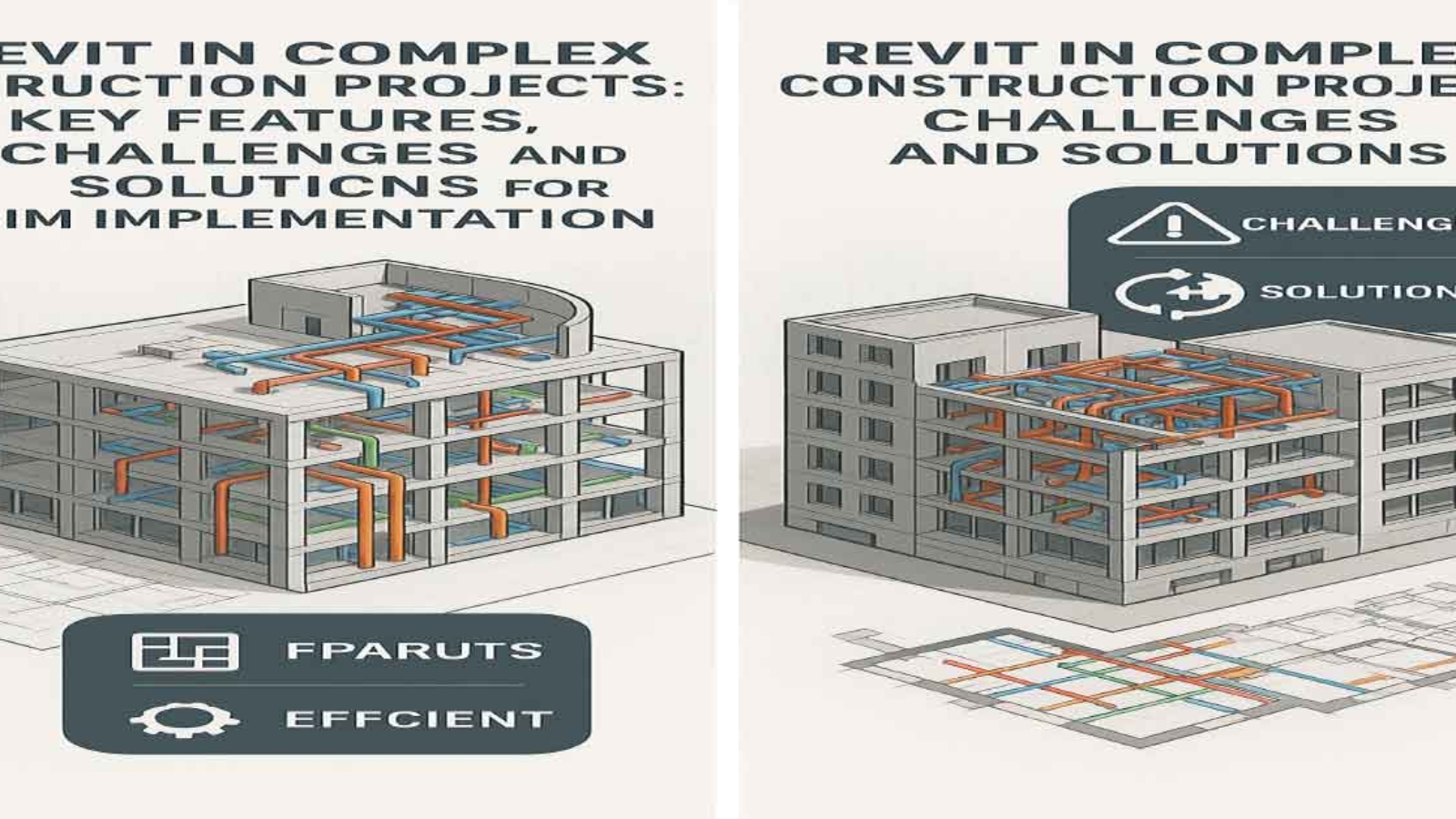
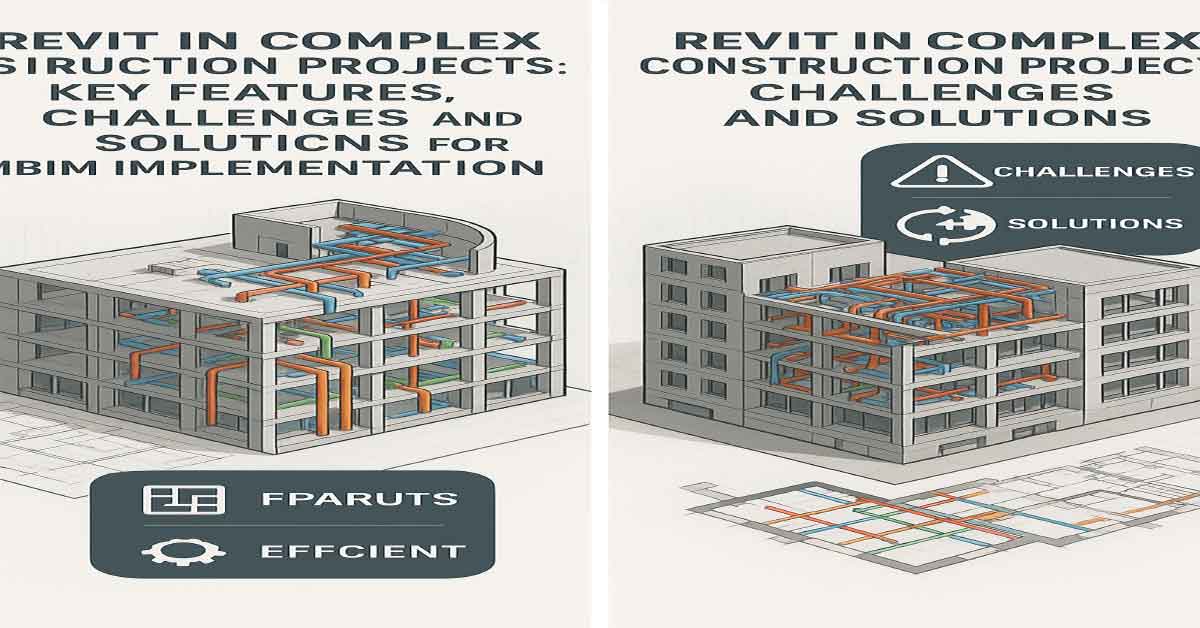
Introduction 1.1. Overview of Revit and its Role in Complex Construction Projects 1.2. Purpose and Scope of the Article
BIM and Revit Overview 2.1. Definition and Concept of BIM 2.2. What is Revit? 2.3. Key Features of Revit in Complex Construction Projects – 3D Modeling for Accurate Design – Coordination and Collaboration in Real-Time – Data Management for Cost, Time, and Quality Control – Simulation and Performance Analysis – Change Management in Design and Construction
Challenges and Solutions in Using Revit 3.1. Challenges of Using Revit – Need for High-Level Training and Technical Skills – High Initial Costs – Need for Precise Team Coordination – Data and Information Management Challenges 3.2. Solutions for Overcoming Challenges – Training and Skill Enhancement for Teams – Use of Cloud-Based Versions – Improved Team Coordination Processes – Centralized Data Management
Benefits of Revit in Managing Complex Projects 4.1. Improved Accuracy and Reduced Errors 4.2. Enhanced Collaboration and Coordination 4.3. Time and Cost Savings 4.4. Better Project Outcomes and Quality
Conclusion 5.1. Summary of Key Insights 5.2. The Future of Revit in Complex Construction Projects
Feel free to adjust any section titles or str1.1. Definition and Concept of BIM
Building Information Modeling (BIM) refers to the use of 3D digital models for the design, construction, and management of buildings. In this process, all relevant project information, including design details, scheduling, costs, materials, and the performance of various systems, is collected, stored, and updated digitally.
BIM not only involves creating 3D models of buildings but also serves as a comprehensive system for managing information and data throughout all stages of a construction project. These stages include planning, construction, operation, and maintenance of buildings and infrastructures.
In BIM, all project stakeholders, including architects, engineers, contractors, and project managers, can simultaneously and digitally access project data. These models are continuously updated and allow all information, from design details to mechanical, electrical, plumbing (MEP) systems, and even facility maintenance databases, to be centralized and easily shared. This process significantly enhances project efficiency and accuracy, as all information is available in a comprehensive and up-to-date model.
BIM generally has three core functions:
Modeling and Design: Creating a 3D model and digital representation of the building using various data.
Information Management: Storing and updating all project data in a centralized database.
Analysis and Simulation: Simulating building performance in the real world, including energy analysis, structural analysis, and system behaviors.
Ultimately, BIM not only makes the design and construction process more efficient but also aids in managing complex projects, reducing costs and unnecessary delays. Additionally, this technology improves design accuracy, decision-making, and minimizes the need for revisions throughout construction projects.
1.2. What is Revit?
Revit is a BIM software developed by Autodesk. This software is specifically designed for architects, structural engineers, MEP engineers, and contractors, providing them with tools for 3D modeling, structural analysis, project management, and cost control.
The main goal of Revit is to provide an environment for collaboration and coordination among all project team members. Unlike older software, which only focused on 2D drawing, Revit allows users to create accurate and realistic 3D models of building projects. These models not only include architectural designs but also encompass all structural systems, MEP systems, and other project details.
Key features of Revit include:
Parametric Modeling: Meaning changes in one part of the model automatically update all related sections.
Structural and Energy Analysis: Offering capabilities to analyze the performance of building systems, energy consumption, and structural integrity.
Information and Data Management: Revit enables all project data, including plans, cost estimates, and schedules, to be stored and managed in a central model.
Revit also allows real-time collaboration, meaning that project teams can work on a shared model at the same time, keeping everything up-to-date. This feature reduces errors and facilitates the management of complex construction projects. Revit is an indispensable tool for designers, engineers, and project managers, improving collaboration and coordination between different teams while enhancing project accuracy.
1.3. Key Features of Revit in Managing Complex Construction Projects
3D Modeling for More Accurate Design
One of the main features of Revit is its ability to create precise 3D models of buildings and installations. These models include not only architectural designs but also all structural, mechanical, electrical, and plumbing (MEP) systems. This enables all project team members to have a more accurate representation of the project and identify potential issues before they arise.
Real-Time Team Coordination and Collaboration
Revit allows designers, engineers, and contractors to work on a shared model in real time. This feature ensures that all changes are updated instantly, and everyone on the team is aware of the latest information. In complex projects, this real-time collaboration helps prevent errors and ensures the smooth flow of information between all parties involved.
Data Management and Analysis for Cost, Time, and Quality Control
Revit provides tools for data management and analysis, allowing project managers to control costs, schedules, and quality. Features like scheduling tools, cost estimation, and reporting help monitor and manage the project effectively. These capabilities allow project managers to steer the project in the right direction and avoid unnecessary delays or costs.
Simulation and Analysis of Building System Performance
Revit enables users to simulate the performance of different systems within the building, such as energy systems, HVAC, and plumbing systems. This feature helps engineers assess the efficiency of these systems before construction begins and make necessary adjustments to optimize performance and energy use.
Managing Changes in Design and Construction
One of the biggest challenges in complex construction projects is managing changes. Revit is designed to automatically update the entire model whenever changes are made. This ensures that all team members are working with the most current version of the model and that changes are implemented across the project without issues.
By offering these key features, Revit serves as a powerful tool for managing complex construction projects, enabling teams to work more efficiently, reduce errors, and ensure the project stays on schedule and within budget.
1.2. What is Revit?
Revit is a BIM-based (Building Information Modeling) design software developed by Autodesk. This software is specifically designed for architects, structural engineers, MEP (Mechanical, Electrical, and Plumbing) engineers, and contractors, providing tools for 3D modeling, structural analysis, scheduling, project management, and cost control.
The primary goal of Revit is to provide an integrated platform for all project team members to collaborate and coordinate. Unlike older software, which only focused on creating 2D drawings, Revit allows users to create accurate and realistic 3D models of building projects. These models include not just architectural designs but also all structural systems, mechanical, electrical, plumbing (MEP) systems, and other project details. This comprehensive approach enables all project stakeholders to work within a shared model, improving collaboration and coordination.
Revit has several unique features that make it an invaluable tool for teams involved in design, engineering, and construction management. Let’s explore the key features and functionalities of Revit that help streamline the design and construction processes, especially in complex building projects.
Key Features of Revit:
Parametric Modeling: One of the most powerful features of Revit is parametric modeling. This means that changes made to one part of the model automatically update all related sections of the model. For example, if you change the dimensions of a wall, all associated views, sections, and drawings are automatically updated. This ensures consistency across the project and reduces errors related to manual updates.
Structural and Energy Analysis: Revit provides advanced tools for structural analysis and energy modeling. Engineers can simulate how the building will behave under various loads, such as gravity or wind, and analyze the building’s energy performance. This helps in optimizing the design for energy efficiency, sustainability, and compliance with building codes. Structural engineers can use these tools to test the stability of a building before construction starts, ensuring it will withstand forces and stresses.
Data and Information Management: One of the key advantages of Revit is its ability to manage all project data within a central model. This includes drawings, cost estimates, schedules, specifications, and more. Since everything is stored in one place, it is easier for the project team to collaborate, track progress, and ensure everyone is working with the most up-to-date information. This centralization also reduces duplication and errors that can occur when team members work on separate documents.
Simulation and Performance Analysis: Revit allows for detailed simulation and performance analysis of different building systems, such as HVAC, electrical, and plumbing systems. This feature enables teams to test how these systems will function in real-world conditions and make any necessary adjustments before construction begins. Energy simulations allow for better energy-efficient designs by testing the building’s energy performance and identifying areas for improvement.
Real-Time Collaboration: Revit is designed to allow team members to work on a shared model simultaneously. Changes made by one team member are instantly updated for all other members, ensuring that everyone is working with the latest information. This feature is particularly useful for complex projects where multiple disciplines are involved and real-time communication is essential. It ensures that any design changes, adjustments, or updates are communicated clearly and efficiently, preventing errors that could arise from outdated or conflicting information.
Managing Changes in Design and Construction: In large projects, managing changes in the design can be one of the most challenging tasks. Revit addresses this by enabling automatic updates across all related sections of the project when changes are made. This ensures that all project stakeholders are working with the most current version of the design and prevents discrepancies between drawings, models, and specifications. With Revit, the process of updating a project is streamlined, allowing teams to handle design changes efficiently.
Project Management and Scheduling: Revit also includes tools for project management and scheduling. It integrates with scheduling software to help teams track project timelines, milestones, and deliverables. By linking the 3D model with time-based data, project managers can visualize the construction process and ensure that the project stays on track. This helps to identify any potential delays early and allows for adjustments to be made before problems arise.
In summary, Revit is not just a tool for creating 3D models but also a comprehensive software suite that helps manage the entire construction process, from design and coordination to project management and cost control. By integrating BIM with features like parametric modeling, real-time collaboration, and structural and energy analysis, Revit has become an indispensable tool for architects, engineers, contractors, and project managers. It enhances collaboration, reduces errors, improves design accuracy, and ultimately contributes to the successful completion of complex building projects.
3.1. Challenges of Using Revit in Complex Projects
The use of Revit in complex construction projects can come with various challenges. While Revit is a powerful BIM (Building Information Modeling) tool offering numerous benefits, there are several obstacles that teams may face when fully utilizing its capabilities. These challenges can stem from technical aspects, costs, coordination issues, and data management. In this section, we will discuss some of the main challenges that arise when using Revit in complex building projects.
1. The Need for High-Level Training and Technical Skills
One of the primary challenges teams face when adopting Revit is the need for specialized skills. Revit is a sophisticated software that requires a deep understanding of 3D modeling, parametric design, and data management. Many teams may be accustomed to older software, like AutoCAD, which focuses mainly on 2D drawings. However, Revit offers a complete shift to 3D modeling, and teams need to adapt to a more integrated approach to design, coordination, and project management.
The parametric nature of Revit means that changes in one part of the model automatically affect other parts. This feature enhances accuracy, but it also requires users to understand the interconnections within the model. Without proper training, teams may struggle with applying these features effectively, leading to inefficiencies and errors. As Revit is an advanced tool, proper training and technical expertise are critical for maximizing its potential and ensuring that all team members are aligned in their use of the software.
2. High Initial Costs
Another significant challenge is the high initial cost associated with purchasing and implementing Revit. For smaller companies or firms with limited budgets, the cost of purchasing software licenses, installing the software, and providing training can be a considerable financial burden. The Revit software itself can be expensive, especially if a company needs to purchase multiple licenses for different team members.
In addition to the cost of the software, companies must also account for training expenses to ensure that all relevant staff members are proficient in using the software. The initial investment can be prohibitive, especially for small and medium-sized enterprises (SMEs) that may not have the same financial flexibility as larger firms. This challenge is particularly relevant for smaller-scale projects, where the return on investment may not be immediately apparent.
3. The Need for Precise Team Coordination
To fully leverage Revit, precise and continuous coordination among project team members is necessary. Revit works best when all stakeholders—architects, engineers, contractors, and other project participants—are working on a single, shared model. In a complex project, many teams must collaborate across various disciplines, including architectural design, structural engineering, and MEP (mechanical, electrical, and plumbing) systems.
If team members do not collaborate effectively or fail to update the model in real time, errors can arise, and discrepancies between the different design elements may occur. Revit allows for real-time updates and changes, but this system only works effectively if there is clear communication and synchronization between all team members. Without proper coordination, the potential for mistakes increases, and project timelines can be affected.
4. Data and Information Management Challenges
Managing the massive amounts of data generated in complex construction projects can also pose a challenge when using Revit. A single project can generate a significant amount of information, such as design documents, cost estimates, schedules, specifications, and other project-related data. Revit stores all this information in one central model, but ensuring that the data is properly managed and regularly updated can become difficult, especially when dealing with larger-scale projects.
Without proper data management practices, projects can suffer from inconsistent information, outdated models, or communication breakdowns. This leads to inefficiencies and potential errors that can affect the overall success of the project. Moreover, managing the flow of information from various sources and ensuring that each team member has access to the correct, up-to-date data is essential for maintaining a smooth workflow.
3.2. Solutions
1. Training and Skill Enhancement for Teams
To make the most out of Revit and BIM (Building Information Modeling), specialized training and advanced courses for project team members are essential. Many of the issues teams face when using Revit stem from a lack of familiarity with the software and its advanced features. Proper training can help teams familiarize themselves with key features such as parametric modeling, real-time collaboration, energy analysis, and data management.
Companies should invest in regular training programs for their staff to ensure that everyone is proficient in using Revit. Continuous education will help the team stay updated on new features and functionalities of the software. Additionally, specialized training for architects, engineers, contractors, and other stakeholders will ensure that they fully understand the capabilities of Revit and how to best apply it in their roles.
2. Use of Cloud-based Versions
One solution to overcome the challenges of cost and data management is the use of cloud-based versions of Revit. Cloud-based Revit versions allow teams to access project data and models remotely, ensuring that all members of the team have real-time access to the most current information. This makes it easier for teams to collaborate, especially when working on large or international projects where team members may be in different locations.
The cloud-based approach also eliminates the need for expensive software installations and maintenance. Teams can access the Revit model from any device with internet access, allowing for greater flexibility and convenience. Cloud-based versions of Revit also provide automatic data synchronization, ensuring that all team members are working with the latest version of the model, thus reducing errors and improving efficiency.
3. Improved Team Coordination Processes
Another solution to enhance the effectiveness of Revit is to improve team coordination processes. Project managers should establish clear guidelines for communication, data sharing, and model updates. Tools like Slack, Microsoft Teams, and Trello can facilitate communication and project management. Additionally, regular coordination meetings should be scheduled to ensure that everyone is on the same page and to address any issues before they become major problems.
Using collaborative tools in conjunction with Revit can help ensure that all stakeholders are aware of the latest updates, changes, and project statuses. Project managers should also implement shared calendars and alert systems to help teams stay on track and meet deadlines.
In conclusion, to make the most of Revit in complex construction projects, addressing challenges such as training, high costs, team coordination, and data management is essential. By investing in specialized training, using cloud-based solutions, and improving team collaboration, companies can overcome these challenges and fully leverage the power of Revit. These strategies will help improve the efficiency, accuracy, and success of complex building projects, leading to more successful project outcomes and better overall management.
Section 3: Challenges and Solutions in Using Revit for Complex Projects
3.1. Challenges of Using Revit
Using Revit in complex construction projects can present several challenges. While Revit is a powerful BIM (Building Information Modeling) tool offering numerous benefits, there are various obstacles that teams may face when fully utilizing its capabilities. These challenges may arise from technical limitations, costs, coordination issues, and data management. In this section, we will discuss some of the main challenges associated with using Revit in complex building projects.
1. The Need for High-Level Training and Technical Skills
One of the most prominent challenges teams face when adopting Revit is the need for specialized skills. Revit is a sophisticated software that requires a deep understanding of 3D modeling, parametric design, and data management. Many teams may be used to older software like AutoCAD, which focuses primarily on 2D drawings. However, Revit introduces a full shift to 3D modeling, requiring a more integrated approach to design, coordination, and project management.
The parametric nature of Revit means that changes made in one part of the model automatically affect other related sections. While this feature increases accuracy, it also requires users to understand the relationships within the model. Without proper training, teams may struggle to effectively utilize these features, leading to inefficiencies and errors. As Revit is an advanced tool, proper training and technical expertise are critical to maximizing its potential and ensuring that all team members are aligned in their use of the software.
2. High Initial Costs
Another significant challenge is the high initial cost of purchasing and implementing Revit. For smaller companies or firms with limited budgets, the costs associated with purchasing software licenses, installing the software, and providing training can be a considerable financial burden. The Revit software itself can be expensive, especially if a company needs to buy multiple licenses for different team members.
In addition to the software cost, companies also need to factor in training expenses to ensure that relevant staff members are proficient in using the software. The initial investment can be prohibitive, particularly for small and medium-sized enterprises (SMEs), which may not have the financial flexibility of larger firms. This challenge is particularly relevant for small-scale projects, where the return on investment may not be immediately apparent.
3. The Need for Precise Team Coordination
To fully leverage Revit, precise and continuous coordination among project team members is necessary. Revit works best when all stakeholders—architects, engineers, contractors, and other project participants—are working on a shared model. In a complex project, multiple teams must collaborate across various disciplines, including architectural design, structural engineering, and MEP (mechanical, electrical, and plumbing) systems.
If team members do not collaborate effectively or fail to update the model in real-time, errors can arise, and discrepancies between design elements may occur. Revit allows for real-time updates and changes, but this system only works effectively if there is clear communication and synchronization between all team members. Without proper coordination, mistakes are more likely, and project timelines can be negatively affected.
4. Data and Information Management Challenges
Managing the massive amounts of data generated in complex construction projects can also pose a challenge when using Revit. A single project can generate significant volumes of information, such as design documents, cost estimates, schedules, specifications, and other project-related data. Revit stores all this information in a central model, but ensuring that the data is properly managed and regularly updated can become difficult, especially when working on larger-scale projects.
Without proper data management practices, projects can suffer from inconsistent information, outdated models, or communication breakdowns. This leads to inefficiencies and potential errors that can affect the overall success of the project. Furthermore, managing the flow of information from various sources and ensuring that each team member has access to the correct, up-to-date data is crucial for maintaining a smooth workflow.
3.2. Solutions
1. Training and Skill Enhancement for Teams
To maximize the potential of Revit and BIM (Building Information Modeling), specialized training and advanced courses for project team members are essential. Many of the issues teams face when using Revit stem from unfamiliarity with the software and its advanced features. Proper training can help teams get acquainted with key features such as parametric modeling, real-time collaboration, energy analysis, and data management.
Companies should invest in regular training programs for their staff to ensure that everyone is proficient in using Revit. Continuous education will help the team stay updated on new features and functionalities of the software. Additionally, specialized training for architects, engineers, contractors, and other stakeholders will ensure they fully understand the capabilities of Revit and how best to apply it in their roles.
2. Use of Cloud-Based Versions
One solution to overcome the challenges of cost and data management is the use of cloud-based versions of Revit. Cloud-based Revit versions allow teams to access project data and models remotely, ensuring that all members of the team have real-time access to the most current information. This makes it easier for teams to collaborate, especially on large or international projects where team members may be in different locations.
The cloud-based approach also eliminates the need for expensive software installations and maintenance. Teams can access the Revit model from any device with internet access, allowing for greater flexibility and convenience. Cloud-based versions of Revit also provide automatic data synchronization, ensuring that all team members are working with the latest version of the model, thus reducing errors and improving efficiency.
3. Improved Team Coordination Processes
Another solution to enhance the effectiveness of Revit is to improve team coordination processes. Project managers should establish clear guidelines for communication, data sharing, and model updates. Tools like Slack, Microsoft Teams, and Trello can facilitate communication and project management. Additionally, regular coordination meetings should be scheduled to ensure everyone is on the same page and to address any issues before they become major problems.
Using collaborative tools in conjunction withRevitcan help ensure that all stakeholders are aware of the latest updates, changes, and project statuses. Project managers should also implement shared calendars and alert systems to help teams stay on track and meet deadlines.
In conclusion, to fully take advantage of Revit in complex construction projects, addressing challenges such as training, high costs, team coordination, and data management is essential. By investing in specialized training, using cloud-based solutions, and improving team collaboration, companies can overcome these challenges and fully leverage the power of Revit. These strategies will improve the efficiency, accuracy, and success of complex building projects, leading to better overall management and project outcomes.ucture depending on your actual document content.
Estimated Reading Time: 16minutesSustainability in Event Planning: How to Go Green” explores essential strategies for integrating eco-friendly practices into event management, from selecting sustainable venues to reducing waste and carbon footprints, while balancing budget considerations and embracing the latest event trends.
Estimated Reading Time: 11minutesExplore the transformative impact of AI and emerging technologies on UX design in 2024, highlighting innovations in prototyping tools, collaborati
Estimated Reading Time: 14minutesExplore the dynamic career paths and lucrative compensation strategies of social media influencers, delving into how they attract follo